๐ŸŽจ Drawing Playground

Enter a title and start โ€” drawings come to life on the big screen in real time

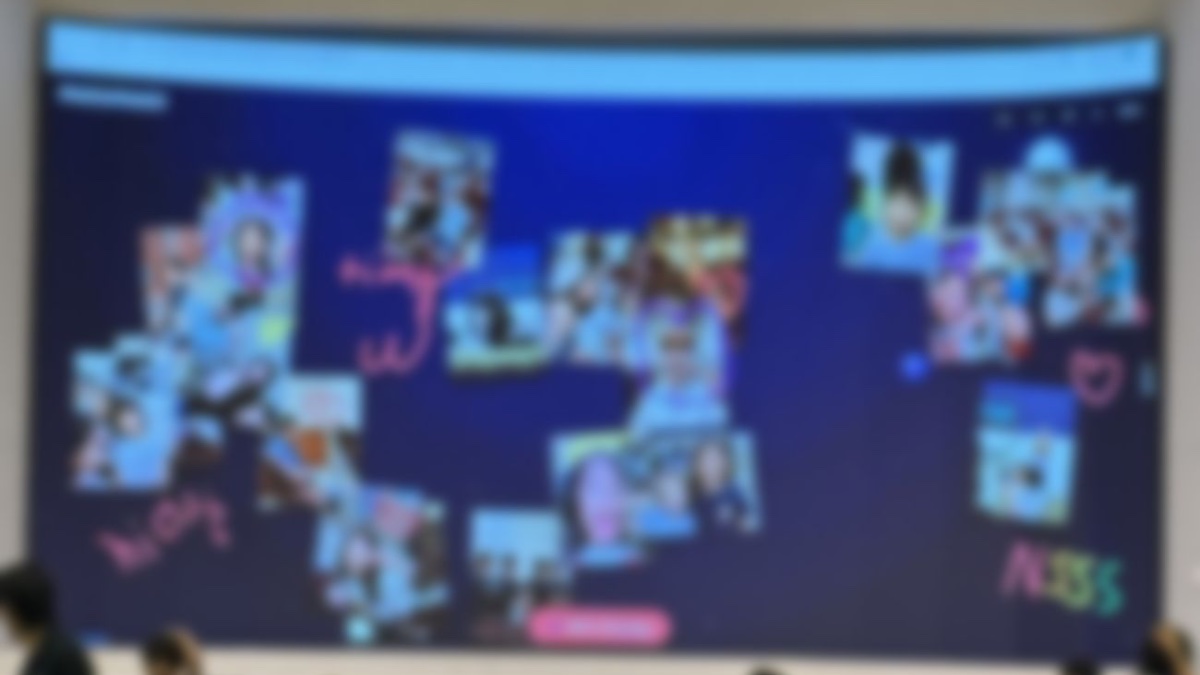
Drawing Playground is a free real-time collaborative drawing wall for adults hosting a party, wedding, baby shower, or team event โ€” with classrooms and community gatherings welcome too. Press Start, share the QR code, and anyone nearby can draw on their phone or tablet โ€” their drawing floats onto the big screen instantly. No sign-up, no app install, and nothing is saved after the playground ends.

How it works

1

Press Start

Enter a title (optional) and you're in. Pick the background โ€” a theme, a solid color, or your own photo โ€” anytime from the big screen.

2

Share the QR code

Anyone nearby scans it with their phone or tablet camera. No app to install, no account to make.

3

Watch it come alive

Drawings and messages float onto the big screen in real time as people send them in.

Great for

Frequently asked questions

Is it really free?

Yes. There's no cost, no account, and no watermark. Just enter a title and start โ€” ready for your party, wedding, or work event in seconds.

Do people need to install an app to draw?

No. Scanning the QR code opens a drawing screen directly in their phone or tablet's browser.

Can teachers use this as a classroom warm-up?

Yes โ€” a teacher hosts the session the same way any host does: press Start, share the QR code, and students' drawings appear on the classroom screen in real time as a quick warm-up or icebreaker.

Is anything saved after the playground ends?

By default, nothing is stored on our servers โ€” drawings only exist in memory while the session is active and disappear when it ends. The host can optionally save a photo of the wall to their own device before ending the session; that happens entirely in their browser and isn't uploaded anywhere.

Can I use my own photo as the background?

Yes โ€” open the โš™๏ธ Settings panel on the big screen and choose "Custom Photo" to upload any image from your device. You can switch between a theme, a solid color, or a photo anytime, even while people are drawing.

How many people can draw at once?

As many as want to scan the QR code. By default the big screen keeps every drawing on screen, automatically shrinking them a bit as more arrive so everything still fits. The host can also turn on a "keep only the latest N" limit, and adjust the size manually, from the โš™๏ธ Settings panel.